How easy is Apex Heat App to use?
The first calculation starts from an address. The software fetches the building's register data and fills every field with an estimate that the consultant can accept as is or replace with their own data. An existing energy performance certificate can be imported as a file, and its data is read as input. The output is a report in Word or PDF format, an energy performance certificate or an energy grant calculation. Consultants using the software save dozens of hours of work per building.
9/17/2026
What data does the calculation need to start?
An address. The software fetches the building's register data and calculates the first result from it: the building type, construction year, heating method, floor area, number of floors and lot boundaries come from the registers, and the envelope areas, U-values, ventilation and consumption are estimated from them.
The calculation gets more precise as the consultant adds what is known about the building: heat and electricity consumption read from invoices, the existing energy performance certificate as a file, completed renovations and their years, or the building's IFC model. An hourly consumption profile can be imported as a file.
How do estimates and your own data work together?
Every field has two values: the software's estimate and the value used in the calculation. If a field is left empty, the calculation uses the estimate, and the estimate is exactly the figure the calculation was made with. The consultant never has to guess what an empty field means.
When the consultant replaces an estimate with their own data, the other estimates update accordingly. Correcting the construction year updates the U-value estimates, and changing the heating method updates the estimates for heat distribution and efficiency. A field's own estimate never changes to follow the user's input, so it is always possible to return to it.
What does the software produce?
- Energy audit report in Word or PDF format: heating system comparison, heat loss analysis, energy efficiency measures and solar power, with charts. A consulting firm can use its own visual identity in the report.
- Energy performance certificate: the E-number and energy class in the current state and in every measure scenario, improvement recommendations, and submission of the official certificate to the ARA energy certificate register directly from the software.
- Energy grant calculation in PDF format: a residential building's eligibility for the energy grant and the amount.
- Data files for further analysis: the property's hourly consumption series as CSV, and hourly, monthly and annual series per building as XLSX.
Can the calculation be adjusted?
Yes, every assumption. The consultant can set the U-values of the structures, ventilation airflows and heat recovery, heat pump sizing and seasonal efficiency, investment costs item by item, energy prices, the discount rate and the calculation period. For every field the software shows what the estimate is based on.
A consulting firm can set account-level defaults, for example financial parameters and the solutions to calculate, so that every user starts from the same assumptions. A firm can also be given its own report template and visual identity, customised calculation parameters, and an API through which the calculation is integrated into the firm's own systems.
Does the software work for several buildings?
Yes. A property can consist of several buildings that are calculated together: the heat pump is sized for the whole property and the district heating cost is shared between the buildings. A portfolio of hundreds or thousands of buildings is calculated with the same engine in one run; for Espoon Asunnot a stock of more than 1,200 buildings was calculated. Read the Espoon Asunnot case.
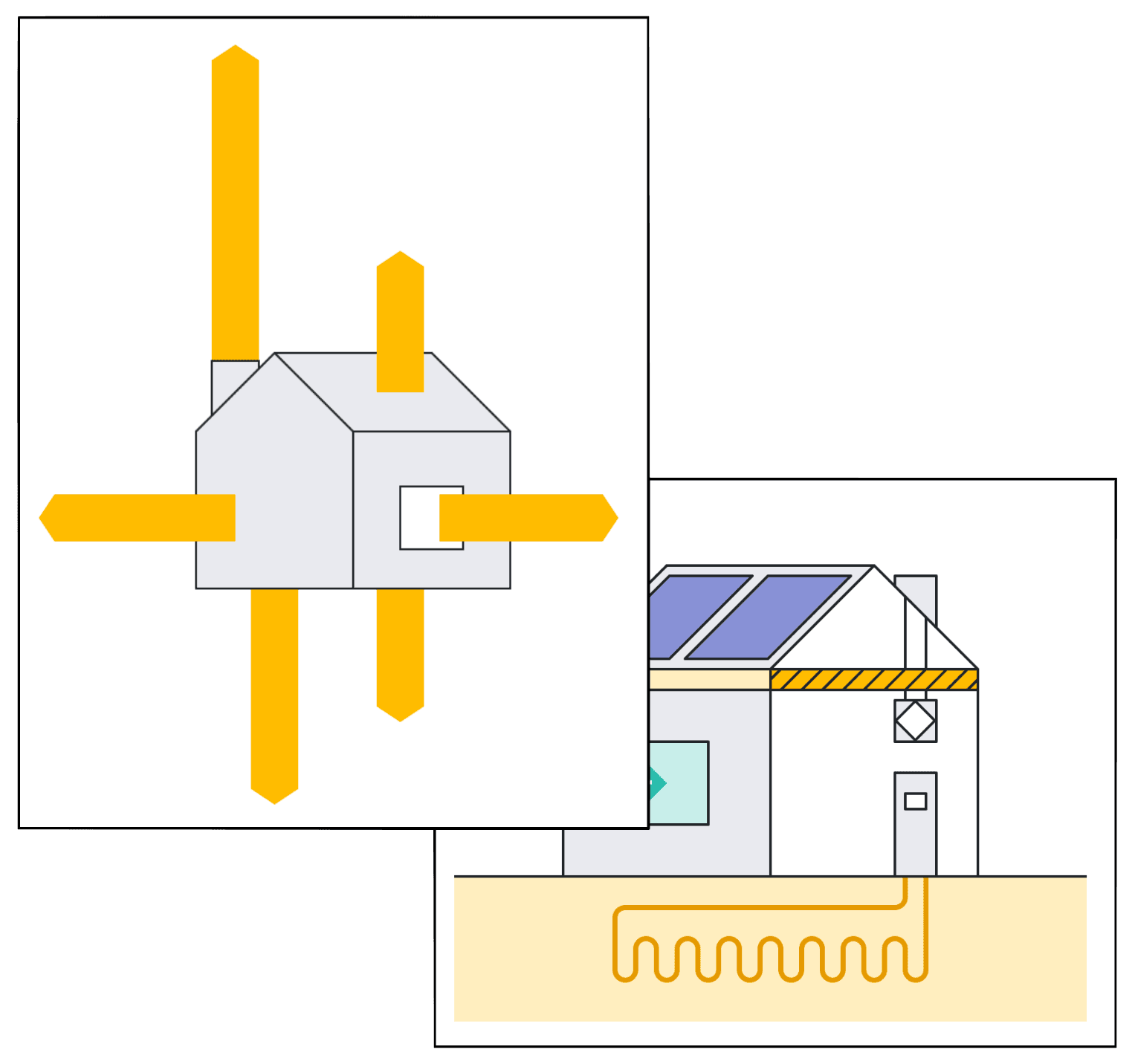
 In a portfolio analysis, borehole placement and every investment option are calculated for each lot
Can the software be used with an AI assistant?
Yes. Apex Heat provides an MCP connector through which Claude, ChatGPT or another AI assistant can create projects, edit input data, read calculations and generate reports. The connector is currently available to selected customers. Read how to set up the connector.
How do I get started?
By getting in touch through the contact form. Apex Heat App can be tested free of charge, and the software runs in the browser without installation. Go to the contact form.
Frequently asked questions about using the software
No. The first calculation is made from register data and estimates from the address alone. Measured consumption makes the calculation more precise and is worth entering when it is available.
Yes. The existing certificate is imported as a file, and the software reads the input data from it for a new certificate or an energy project.
Yes. A consulting firm can have its own report theme, so reports are produced with the company's colours and logos.
No. Apex Heat App runs in the browser.
Yes. The report is available in Word and PDF format, and the calculation's energy consumption series can be downloaded as CSV and XLSX files for further analysis.
Read more


Why can the calculation be trusted?
What the calculation is based on, how measured consumption is used and what the calculation does not know.