6/17/2026
An existing energy certificate is all the input the investment calculations need
When an existing energy performance certificate is uploaded to Apex Heat App, the input data is read from it automatically. What comes back is the investment calculations and a full view of every measure that is possible and worthwhile for the building: everything that cuts its energy use and costs.
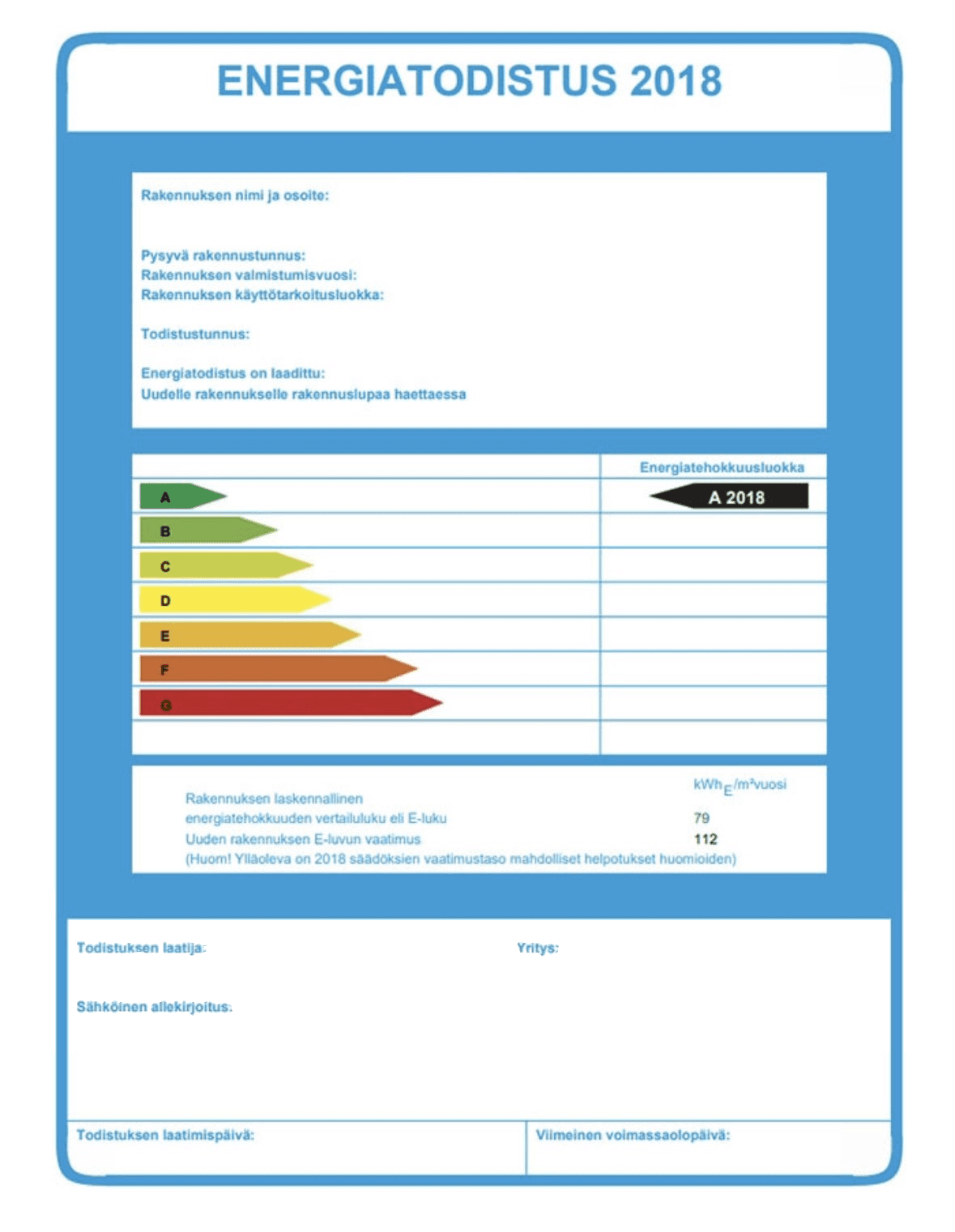
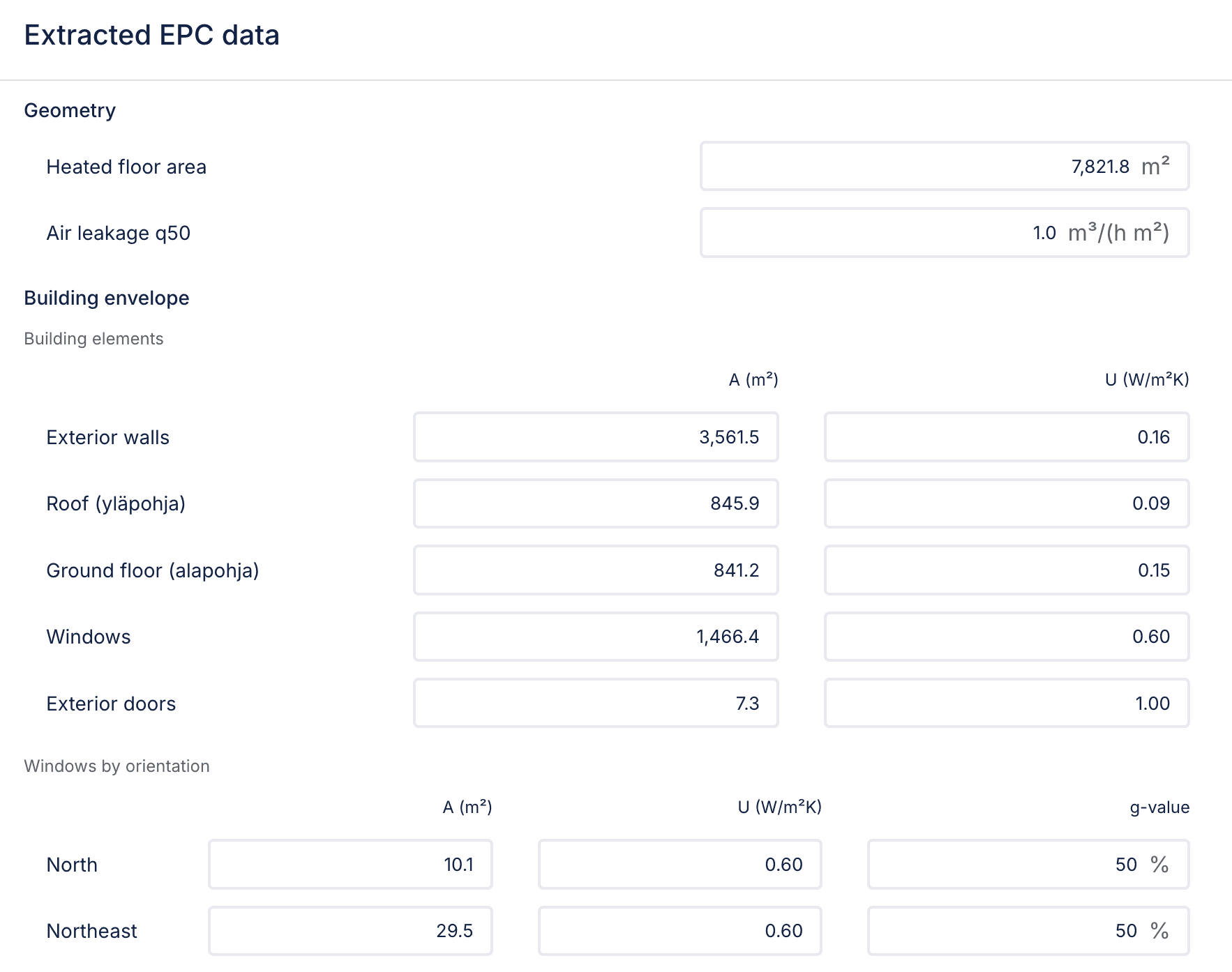
An energy performance certificate is work already done once: floor areas, structures, ventilation and the heating system have all been established for it. At best, Apex Heat App reads over 80 values out of the certificate: the geometry, the areas and U-values of each envelope element, the ventilation units, the heating and domestic hot water efficiencies, and the property's consumption figures. Reading them takes a few seconds, and the values are ready to use with nothing typed in by hand. The same view produces the investment plan: a full picture of every measure that is possible and worthwhile for the building, everything that cuts its energy use and costs.
Upload the certificate, check the values, download the report
In the project's Existing energy certificate section you upload the certificate as a PDF, several at once if needed. The address is read from the file, along with per-building and property-wide values. Extraction reads the PDF's text content, so a machine-readable certificate goes through as it is. Values are not yet read from a scanned paper certificate. Extending the reader to handle scanned certificates too is what we are working on next.
Two Finnish certificate types are supported: the 2013 certificate based on measured consumption, whose values are property-wide, and the 2018 E-value certificate, whose values are per building.
The extracted values do not go into the calculation straight away. They are shown in a confirmation dialog field by field, with the right labels and units, so you can correct any value before accepting it. Property-wide totals are split between buildings in proportion to heated floor area. Only confirming puts the values to use.
Once the values are confirmed, the calculation runs and the plan is available for download: what is worth doing, what the measures cost, how much they save, and how long the investment takes to pay back.
A fast first assessment, a checked final plan
The input from a certificate is well suited to a first assessment: what is worth considering for the property, and roughly at what scale.
Its strength is the geometry. The building's floor areas, structures and ventilation were measured and recorded for the certificate, so the calculation gets them as that building's own values rather than as those of a building inferred from register data. It also sharpens the consumption estimate, because the heat losses are calculated from measured areas and U-values.
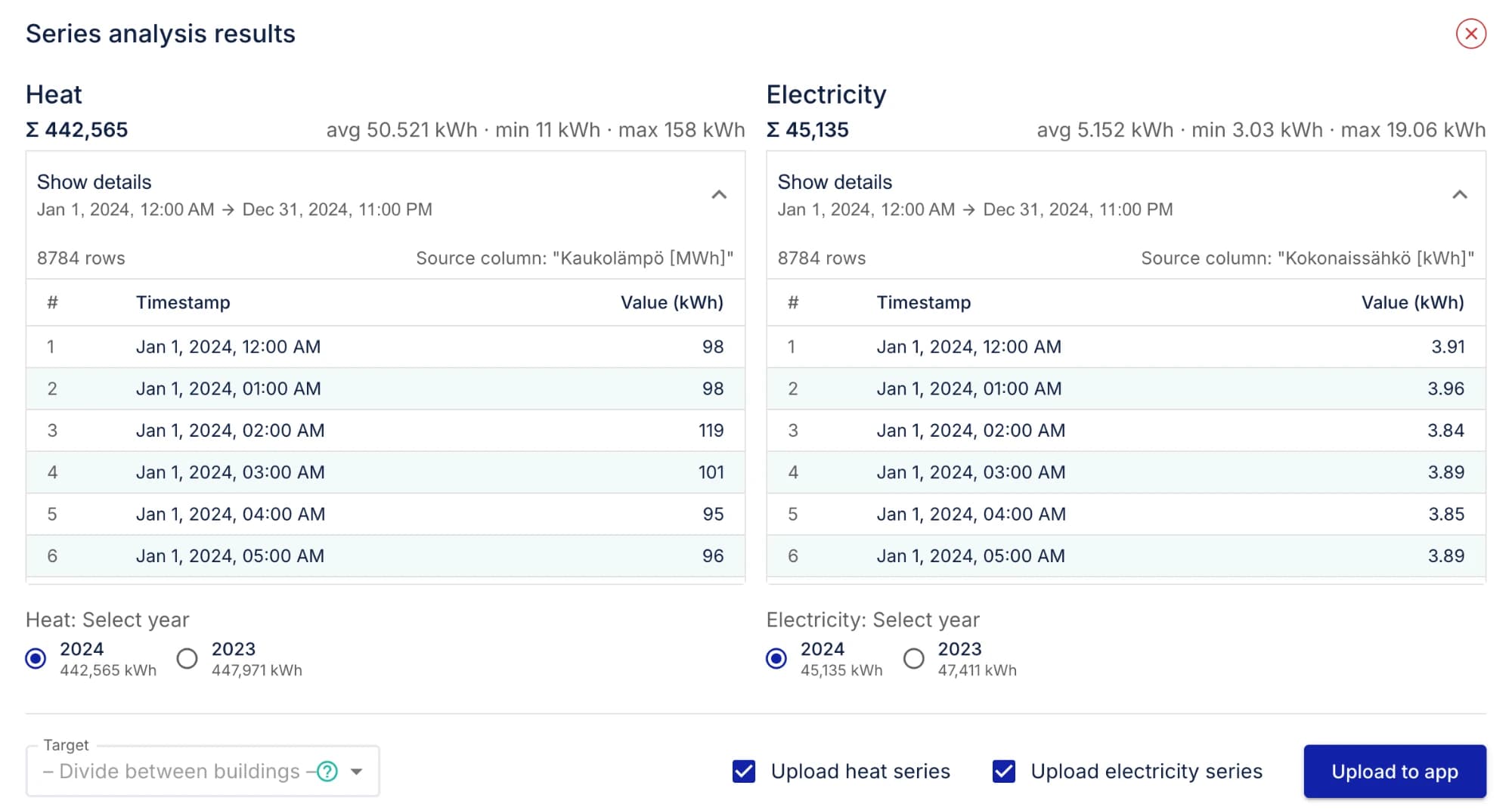
For a final project plan it is worth also establishing the building's actual energy consumption. The calculated consumption in a certificate is based on standardised use, not on how the building is actually used, so measured consumption is always the better input when it is available. Consumption data can be uploaded to the project as a time series, which puts sizing and profitability on measured consumption.
Also for renewing a certificate
The same upload works when an old certificate is due for renewal: the previous certificate's data is available immediately, and the work starts from checking. Read how a certificate is calculated in Apex Heat App and submitted to the certificate register.